
centos7安装后一系列的修改
配置国内yum源和epel源
1、新建repo_bak目录,将原来的repo文件移到新建目录中
cd /etc/yum.repos.d/
mkdir repo_bak
mv *.repo repo_bak/
2、配置使用网易和阿里的开源镜像
wget http://mirrors.aliyun.com/repo/Centos-7.repo
wget http://mirrors.163.com/.help/CentOS7-Base-163.repo
ls
#结果显示
Centos-7.repo  CentOS-Base-163.repo  repo.bak
3、清除yum缓存重新生成新的yum缓存
yum clean all #清除所有的缓存
#结果显示
Loaded plugins: fastestmirror
Repository base is listed more than once in the configuration
Repository updates is listed more than once in the configuration
Repository extras is listed more than once in the configuration
Repository centosplus is listed more than once in the configuration
Cleaning repos: base extras updates
Cleaning up list of fastest mirrors
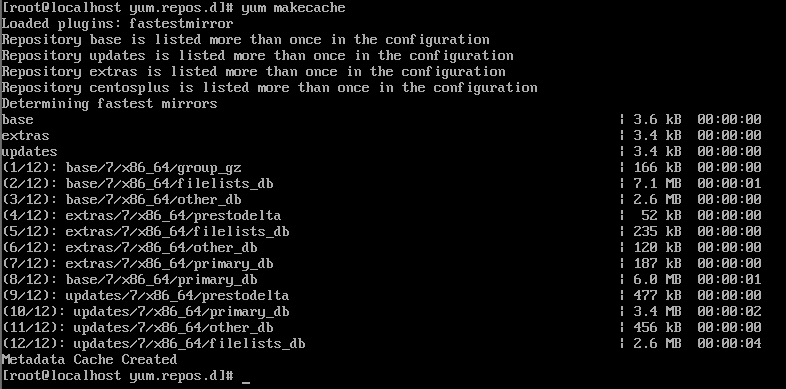
yum makecache #生成yum缓存
结果显示
4、安装epel源
yum list | grep epel-release
Repository base is listed more than once in the configuration
Repository updates is listed more than once in the configuration
Repository extras is listed more than once in the configuration
Repository centosplus is listed more than once in the configuration
epel-release.noarch                       7-11                        extras
yum install -y epel-release
#结果显示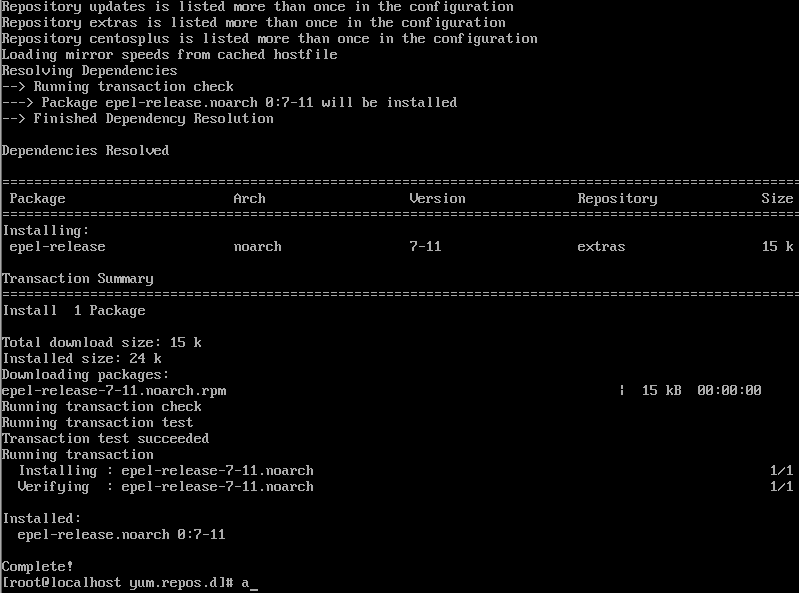
5、配置阿里云epel源
# 下载阿里开源镜像的epel源文件
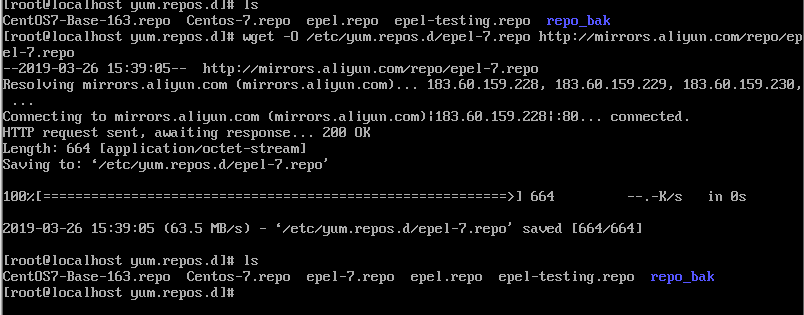
wget -O /etc/yum.repos.d/epel-7.repo http://mirrors.aliyun.com/repo/epel-7.repo
结果显示
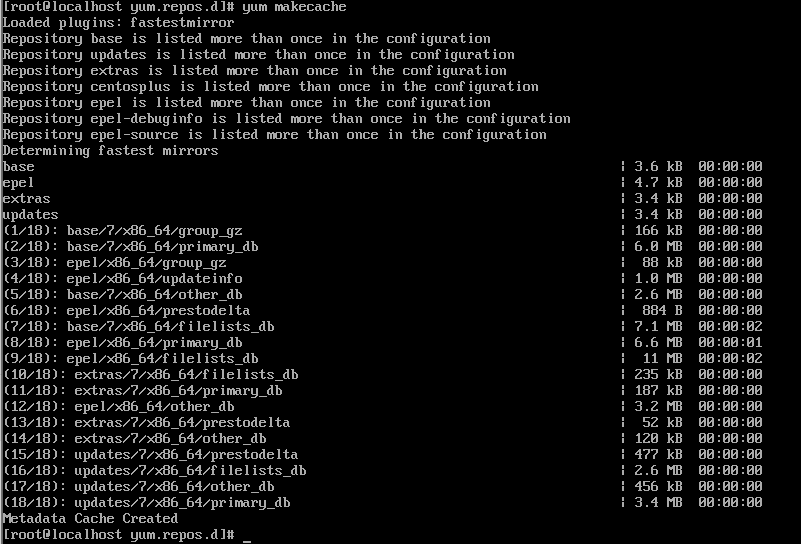
6、再次清楚yum缓存,并重新生成yum缓存
7、查看系统可用的yum源以及所有yum源
yum repolist enabled #查询可用的源
yum repolist all#查询所有的源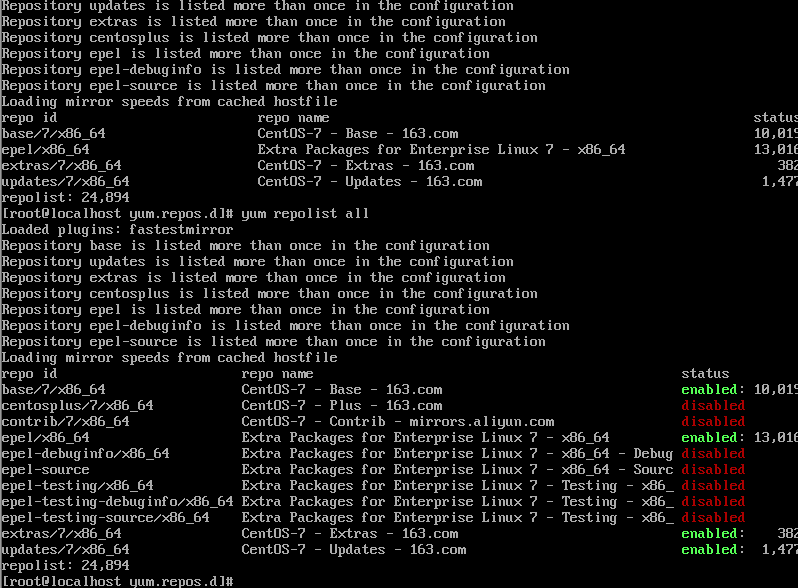
至此 配置yum和epel源结束
9 每天自动更新配置
手动更新所有预先安装得软件
yum -y update设定系统定时自动更新,确定服务器是否安装了自动执行指令得工具
安装 cron和anacron
yum -y install cronie
yum -y install yum-cron
完成后系统多了数个档案,比较重要的包括:
/etc/cron.daily/0yum.cron
#每天执行这个档案一次,它根据配置档案 /etc/yum/yum-cron.conf 来更新软件
/etc/yum/yum-cron.conf
#这是每天执行yum-cron的配置档案,默认只会下载更新的软件,并不安装,用意是让管理员检视yum-cron的输出,选取需要更新的软件进行手动安装。
10、修改配置
vim /etc/yum/yum-cron.conf
寻找:
apply_updates=no
#修改为
apply_updates=yes
#确认一下参数一致
update_messages=yes
download_updates=yes
apply_updates=yes
启动crond和yum-cron
systemctl start crond
systemctl start yum-cron
7、防火墙
安装防火墙
yum install firewalld
查看防火墙启用的端口
firewall-cmd --list-all
评论
暂无评论
评论(0)